Getting Started with Arkipel DevKit
Welcome! This guide will help you set up your first connection to an Arkipel community.
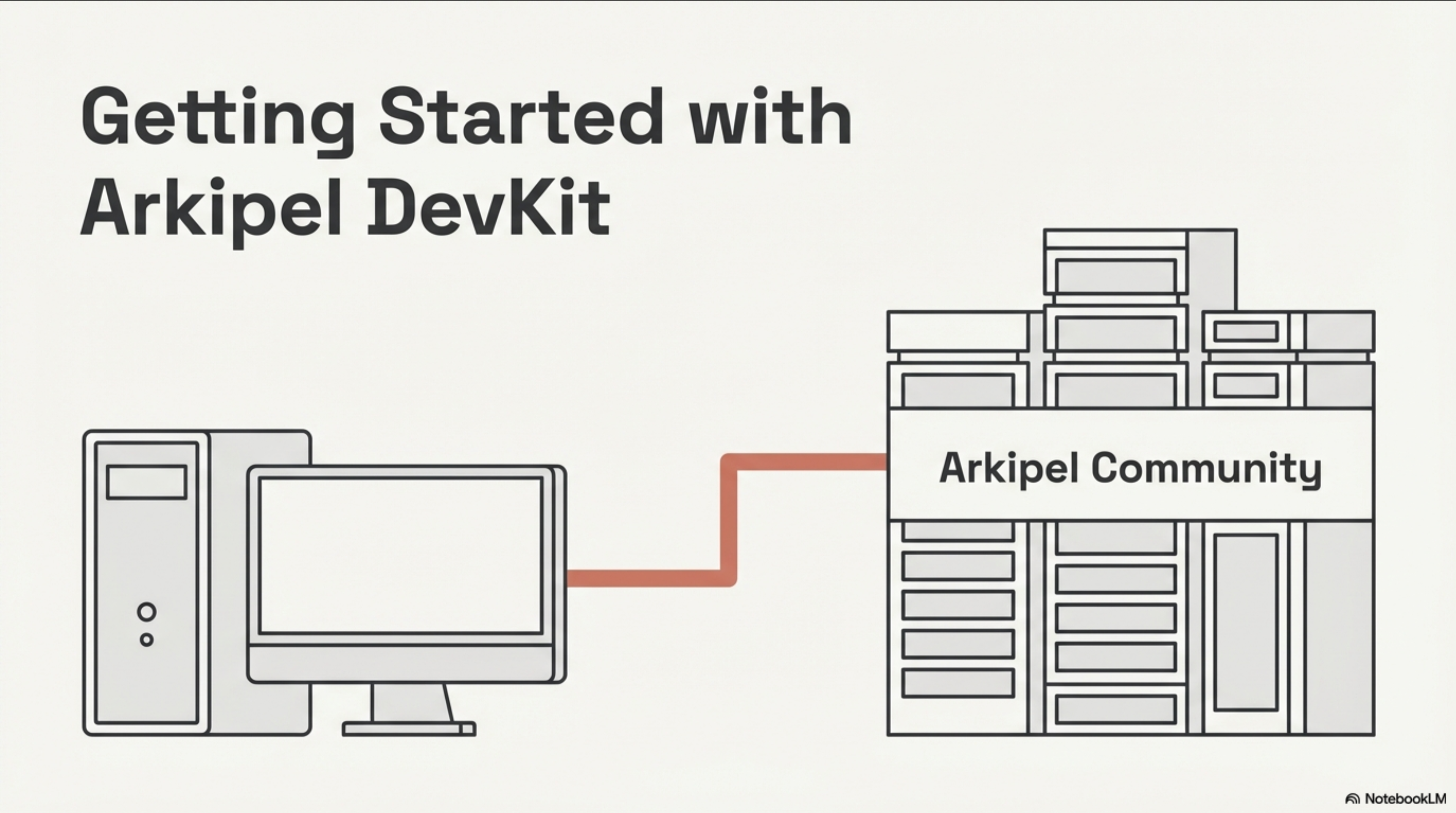
📥 Download a quick overview presentation as a PDF
⚡ 5-Minute Quick Reference
Just the essentials to get you connected:
# 1. Test connection (ping)
curl -X POST "#{site_url}/arkipel/#{community_public_key}/streams" \
  -H "Authorization: Bearer YOUR_API_TOKEN_HERE" \
  -H "Content-Type: application/json" \
  -d '{"payload": {"type": "ping"}}'

# 2. Create a person (async - returns message_id)
curl -X POST "#{site_url}/arkipel/#{community_public_key}/streams" \
  -H "Authorization: Bearer YOUR_API_TOKEN_HERE" \
  -H "Content-Type: application/json" \
  -d '{"payload": {"type": "people:upsert", "first_name": "Jane", "last_name": "Doe", "import_id": "MY_PERSON_ID"}}'

# 3. Check async operation status (use message_id from step 2)
curl -X POST "#{site_url}/arkipel/#{community_public_key}/streams" \
  -H "Authorization: Bearer YOUR_API_TOKEN_HERE" \
  -H "Content-Type: application/json" \
  -d '{"payload": {"type": "arkipel_messages:query", "message_id": "MESSAGE_ID_FROM_STEP_2"}}'
Key Concepts:
- All requests are
POSTto#{site_url}/arkipel/#{community_public_key}/streams - Mutations are async - you get a
message_idto poll for status - Use
import_idto link with your external system IDs
Essential Docs:
- API Specifications - All message types
- Asynchronous Processing - How polling works
- Global Schemas - Request/response structure
- Error Handling - Common errors and solutions
Prerequisites
- A basic knowledge of Ruby, JavaScript, Go or PHP to get inspired if you are trying to build your Arkipel client in your favorite language.
- Basic familiarity Ed25519 keypairs.
- Affinity with an existing Arkipel community
Steps
- Have your connection client authorized by a community
- Send a test message to the community
- Check the status of a test message
- Send message to create an object in the community
- Send a query message to view information from the community
Step 1: Have your connection client authorized by a community
Keypair Method (preferred, see Arkipel API Connection / Authentication)
Option A (easy)
The easiest way is to have access to your own Arkipel community as an administrator. When an Arkipel community is created on any Arkipel hosting site, a keypair is automatically created.
- Log in to your community on any Arkipel hosting site.
- As an administrator, you can visit
Network/Manage your community's identity/Safeguarding my community's identity - After confirming your password to decrypt the private key, you will be able to recover the hexadecimal private key, this and the related public key compose your own personal keypair.
Tip: Don’t have a community yet? Create one for free in minutes.
Option B (advanced)
For full control, generate your keypair programmatically: Follow this keypair generation document
ONCE YOU CONTROL A VALID KEYPAIR, have your public key authorized by the community to connect
Ask a community’s administrator to whitelist your public key at their Arkipel community’s Network / Authorizations
API Token Method
Ask a community’s administrator to generate your API token at their Arkipel community’s Network / Authorizations
To keep it simple. we will be using the API token method for the bash pseudo examples below.
Step 2: Send a test message to the community
Let’s start sending a simple message with the type ping
curl -X POST "#{site_url}/arkipel/#{community_public_key}/streams" \
  -H "Authorization: Bearer YOUR_API_TOKEN_HERE" \
  -H "Content-Type: application/json" \
  -d '{"payload": {"type": "ping"}}'
If everything is fine, you should receive a response that looks like this:
{
  "source_public_key": "y97pp4bpqgqacfrhr4h8uuspr7hbdpu83oyhdduwnzewe54phzrb",
  "source_site": {
    "protocol": "https",
    "fqdn": "nyc3.arkipel.dev"
  },
  "created_at": "2026-01-04T22:01:21Z",
  "signature": "3b94b89f02315f1ae2436638dbe153f8ab8b43eda1d50b2b8a2633824d2d4dd60862312b357ef2432e49c8f989721093febbdfac0cabf4245d16526156aa8c06",
  "payload": {
    "message_id": "695af6c7100e7ca4af8d2868",
    "type": "pong"
  }
}
The source_public_key should match the community_public_key of your request URL, same for the source_site object matching the site_url.
Step 3: Send message to create an object in the community
Now, let’s create a person with message with the type people:upsert
curl -X POST "#{site_url}/arkipel/#{community_public_key}/streams" \
  -H "Authorization: Bearer YOUR_API_TOKEN_HERE" \
  -H "Content-Type: application/json" \
  -d '{"payload": {"type": "people:upsert", "first_name": "Jane", "last_name": "Doe", "import_id": "MY_PERSON_ID"}}'
If everything is fine, you should receive a response that looks like this:
{
  "source_public_key": "y97pp4bpqgqacfrhr4h8uuspr7hbdpu83oyhdduwnzewe54phzrb",
  "source_site": {
    "protocol": "https",
    "fqdn": "nyc3.arkipel.dev"
  },
  "created_at": "2026-01-04T23:32:45Z",
  "signature": "3bcb257030ddb2680723a996837c87491eccec4adb61504fd5b136513ef28f618a1daffd2af662d24dc960027b5437f07acca7b84a07e351120bc11ac7a55802",
  "payload": {
    "message_id": "695af89d74db9c0a888d286a",
    "type": "people:upsert"
  }
}
The important part of the response is the message_id, we are going to use this in the next step…
Why is it important? Check the Asynchronous Processing documentation for details on how polling works.
Step 4: Check the status of a message
Now, let’s check the previous message status with the message type arkipel_messages:query and the message_id that was returned.
curl -X POST "#{site_url}/arkipel/#{community_public_key}/streams" \
  -H "Authorization: Bearer YOUR_API_TOKEN_HERE" \
  -H "Content-Type: application/json" \
  -d '{"payload": {"type": "arkipel_messages:query", "message_id": "695af89d74db9c0a888d286a"}}'
You should receive a response that looks like this:
{
  "source_public_key": "y97pp4bpqgqacfrhr4h8uuspr7hbdpu83oyhdduwnzewe54phzrb",
  "source_site": {
    "protocol": "https",
    "fqdn": "nyc3.arkipel.dev"
  },
  "created_at": "2026-01-04T23:43:12Z",
  "signature": "0d4610d1e75ac87ab328df3affd781c49ee40a109942ab34b636dfac4d22689b1b5415098ff43b1a6901c88202093c9a4b9c05a34b915a23e8ab7fa6ceb9c805",
  "payload": {
    "message_id": "695af89d74db9c0a888d286a",
    "type": "arkipel_messages:query",
    "resource": {
      "id": 220208,
      "name": null,
      "account_id": 758,
      "aasm_state": "active",
      "user_id": null,
      "created_at": "2026-01-04T18:33:24.228-05:00",
      "updated_at": "2026-01-04T18:33:24.228-05:00",
      "secure_token": "2xu983FbH6_TCicbf5idmA",
      "import_id": "MY_PERSON_ID",
      "tag_list": [],
      "shared_by_parent": true,
      "locale": "en",
      "permission": "confidential",
      "organization_id": null,
      "user_role": "standard",
      "invitation_message": null,
      "invitation_sent_at": null,
      "shop_id": null,
      "note": null,
      "source": null,
      "accepts_marketing": true,
      "survey_ids": [],
      "team_id": null,
      "team_ids": [],
      "first_name": "Jane",
      "last_name": "Doe",
      "external_codes": [],
      "authorized_modules": [],
      "status": "active",
      "reason": null,
      "category_id": null,
      "dob": null,
      "gender": "unknown",
      "cloned_from_id": null,
      "user_profile": "parcel",
      "data_consent": "unknown",
      "created_from_context_gid": null,
      "last_seen_at": null,
      "external_user_id": null,
      "daily_summary_last_notified_at": null
    },
    "error": null,
    "status": "persisted"
  }
}
There a some attributes that might be of interest:
-
resourcecontains all the available attributes of thepersonobject you just created -
errorwould have a description of the last error for your message request - finally,
statusispersistedbecause the community accepted your upsert message and saved it.
Step 5: Send a query message to view information from the community
To finish the last message we are going to explore is type person_categories:query.
curl -X POST "#{site_url}/arkipel/#{community_public_key}/streams" \
  -H "Authorization: Bearer YOUR_API_TOKEN_HERE" \
  -H "Content-Type: application/json" \
  -d '{"payload": {"type": "person_categories:query", "q": { "name_cont": "REPLACE_ME_WITH_AN_AVAILABLE_COMMUNITY_PERSON_CATEGORY_SEARCH_STRING" } }}'
Your response should look like this:
{
  "source_public_key": "y97pp4bpqgqacfrhr4h8uuspr7hbdpu83oyhdduwnzewe54phzrb",
  "source_site": {
    "protocol": "http",
    "fqdn": "arkipel.localhost:3000"
  },
  "created_at": "2026-01-05T12:11:25Z",
  "signature": "6e045f71dd42edd3bd3d7b25f084f464c3bc005c3320cf508b6837c6860edd3991c2066aec734c59479c6a5248bfe54bd5b4d51305ef4d108a9b0b3cf86ede09",
  "payload": {
    "type": "person_categories:query",
    "q": {
      "per_page": 20,
      "page": 1,
      "total": 2
    },
    "resources": [
      {
        "id": 553,
        "name_fr": "Famille",
        "name_en": "Family"
      },
      {
        "id": 547,
        "name_fr": "Famille étendue",
        "name_en": "Extended Family"
      }
    ]
  }
}
There a some attributes that might be of interest:
-
resourcescontains the array of records matching your queryname_cont(name contains…) -
qcontains informations about the collection:-
per_pagehow many records per page are being returned -
pagewhich page are you on -
totalhow many records match your query
-